
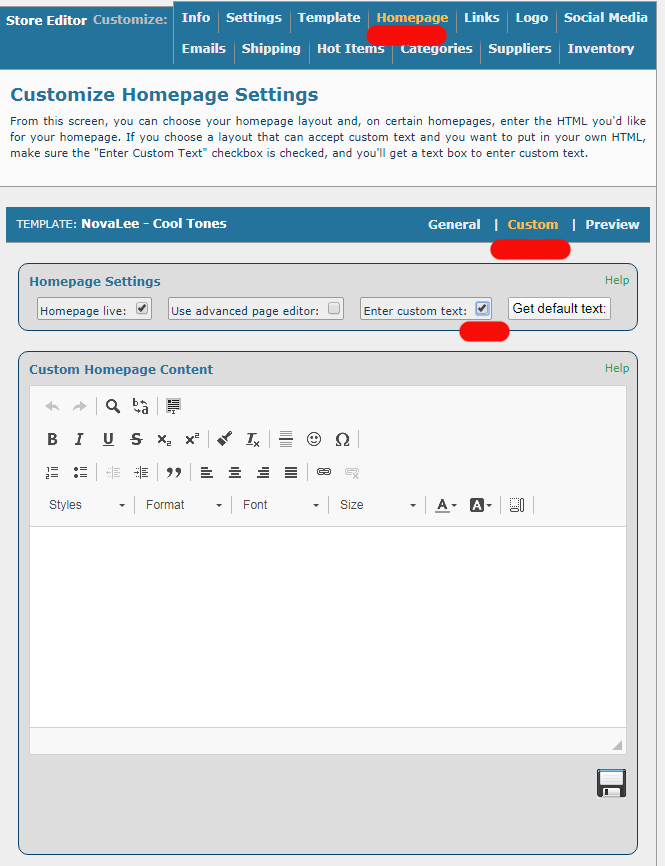
You can edit the home page text via the Homepage tab of the store editor.
- Click on Store Editor.
- Click on the store you want to edit to bring up that store's editor.
- Click on Homepage
- Click on the CUSTOM tab to bring up the editor.
- Click on the Enter Custom Text checkbox to enter your text.
If you know a little HTML, you can even show off your "mad coding skillz" here.
Go ahead! Make that page personal!!
Comments
0 comments
Article is closed for comments.